Printable habit tracker
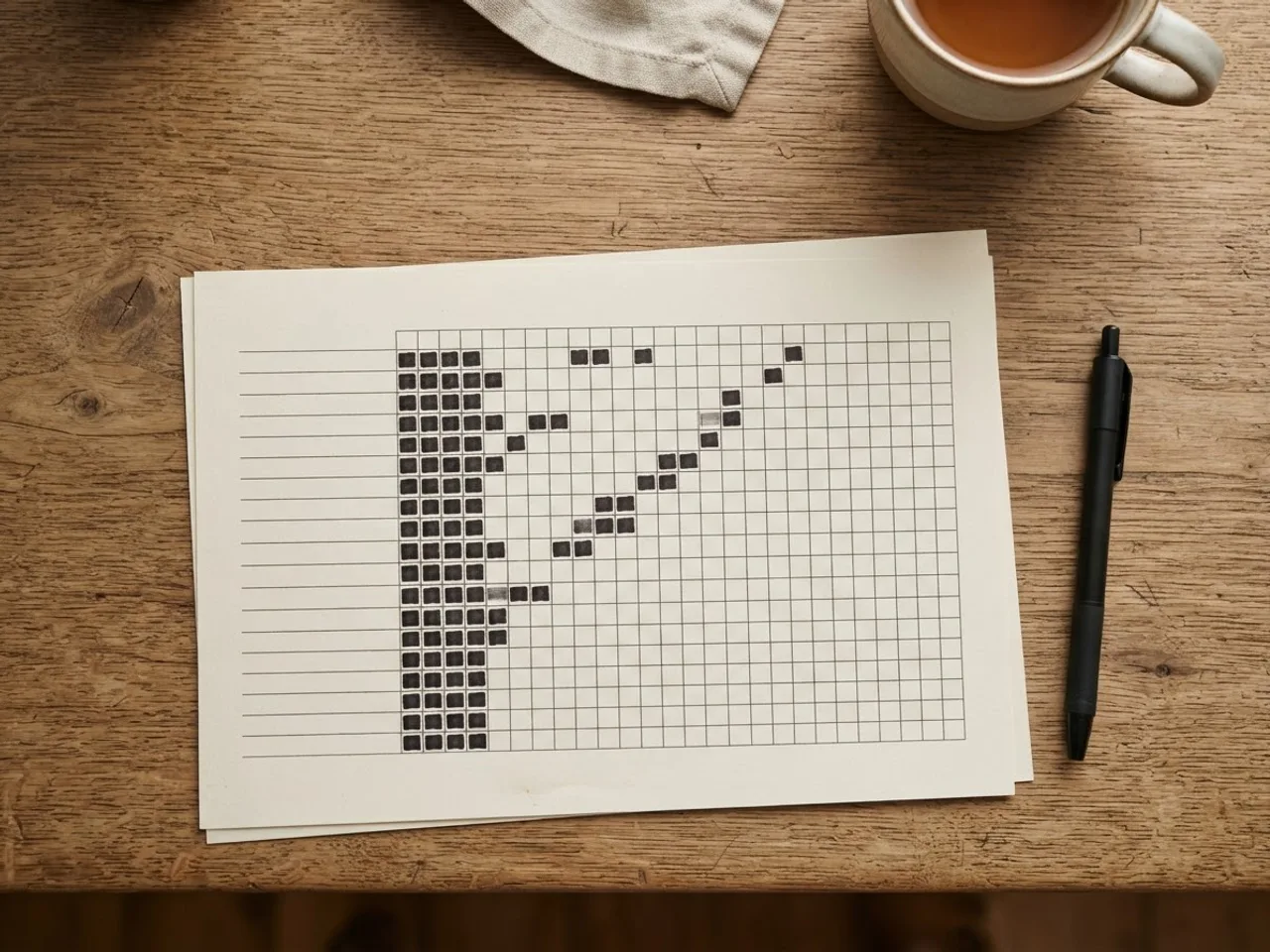
Type your habits, pick the month, hit print. The sheet fits a full month on one landscape page, with a box per day and weekends shaded so a rest day does not look like a miss.
🆓 Free, no sign-up ⚡ Runs in your browser 🔒 Nothing leaves your device
Landscape prints best. Choose "Save as PDF" in the print dialog if you want a file.
What is on the sheet
One row per habit, one column per day of the month, a header with the day number and the weekday letter. That is it. No motivational quote, no habit-scoring rubric, no colour key you need to decode. The blank grid is the feature: you tick a box or you do not, and by the second week the shape of the month tells you the truth without a chart.
| Element | Why it is there |
|---|---|
| Weekday letters under each date | So you can spot that you never do the habit on Thursdays |
| Shaded weekends | A skipped Sunday should not look like a broken streak on a weekday habit |
| 12-habit limit | More than that and the sheet stops being readable at fridge distance |
| Landscape layout | 31 columns need the width; portrait makes the boxes too small to tick |
How to use it so it still works in week three
Most printed trackers die around day 18. Not because the person quit the habits, but because they stopped walking to the fridge. Three things keep the sheet alive:
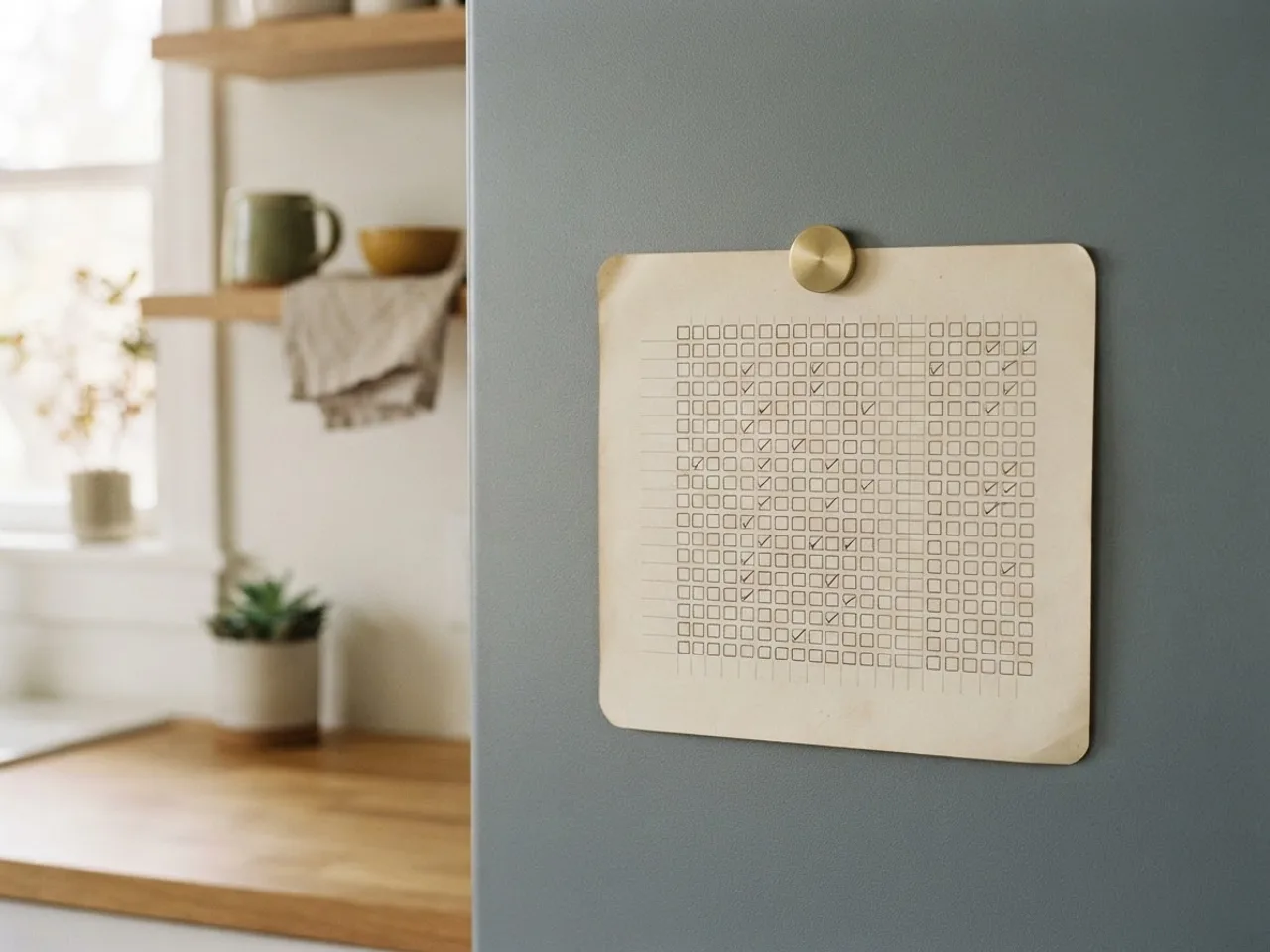
- Put it where the habit happens, not where it looks nice. A reading tracker goes on the nightstand. A workout tracker goes in the gym bag. The fridge is fine for kitchen habits and terrible for everything else.
- Tick immediately. The tick is the reward. If you batch ticks at the end of the day, you lose the small hit that makes the next day easier, and eventually you stop batching.
- Keep the list short. Three to five habits on a first sheet. Twelve rows is the limit of what fits, not a recommendation.
Which habits belong on paper
Habits with a natural physical location do best on a printed sheet: cooking at home, stretching before bed, journaling at the desk. Habits that happen anywhere, such as “no social media” or “drink water”, are harder to tick on paper because you are rarely near the sheet when they happen. Those are the ones people move to an app. If you are not sure what to put on the first sheet, the list of habits worth tracking sorts them by how easy they are to keep.
Filling it in: what the marks should mean
Decide the marking scheme before the first day, because changing it mid-month makes the sheet unreadable.
| Mark | Meaning | When to use it |
|---|---|---|
| Filled box | Done | The default. Nothing else needed for most people |
| Diagonal line | Skipped on purpose (rest day, ill, travelling) | Keeps a planned skip from looking like a failure |
| Empty box | Missed | Leave it empty. Do not draw a cross; a row of crosses teaches you to avoid the sheet |
| Number in the box | Minutes, pages, kilometres | Only for the one or two habits where the size is what you are growing |
At the end of the month, count the filled boxes per row and write the total in the margin. Thirty days later you will have the only statistic that matters: which habits happened, and how often.
Printing tips
- Choose landscape in the print dialog if the browser does not pick it up automatically.
- Set margins to “default” or “minimum”. Wide margins squeeze the columns.
- To keep a copy, choose “Save as PDF” as the printer. The file is yours; nothing is stored on this site.
- Print a fresh one on the last day of the month, not the first. Having next month’s sheet ready removes the excuse.
Frequently asked questions
Is the printable habit tracker free?
Yes. Nothing to download, no email, no watermark. Print it from the browser or choose Save as PDF in the print dialog.
What paper size does it print on?
It fits both A4 and US Letter in landscape. Twelve habits fit comfortably; past that the rows get tight and you should print a second sheet.
Can I use it for a 30-day challenge instead of a calendar month?
Pick the month the challenge starts in and cross out the days before day one. For a challenge that spans two months, print both. If the challenge is the point, the 66-day calculator gives you the milestone dates.
Paper or app?
Paper wins for visibility: it lives on the fridge and does not need unlocking. An app wins for the 8 pm moment when you are nowhere near the fridge. Plenty of people use both, paper for the month and Virtue for the daily tap.